Plannly: the task app that shows you three things.
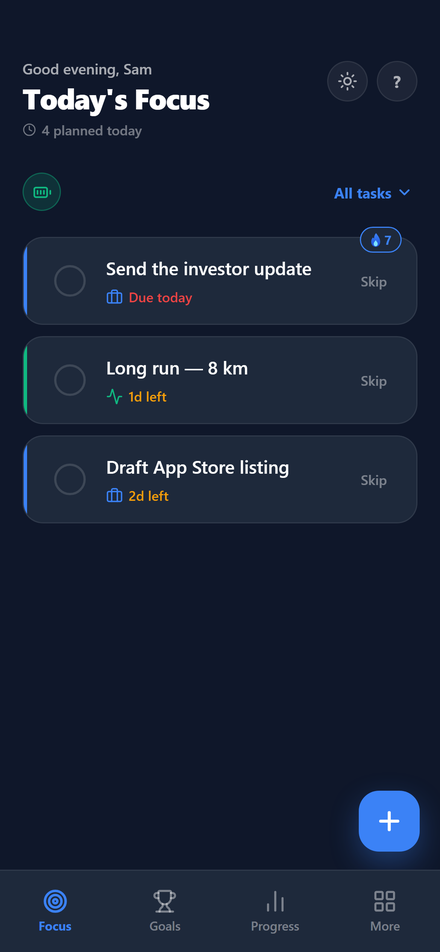
Most task apps answer "what could I do?" with a list of forty items. Plannly answers "what should I do now?" with three. A priority engine scores every task, and only the top three reach the screen.
What it does
- Scores every task, three ways. 55% the importance you set, 40% urgency the app computes from the deadline, and a deliberate 5% nudge toward harder tasks so dreaded work doesn't sink forever.
- Holds the Top 3 steady. The three tasks keep their slots for the day. Finishing one doesn't reshuffle the screen or make your win disappear.
- Lets old tasks rise. Anything untouched climbs a little each day, so nothing rots quietly at the bottom of a list.
- Demotes blocked work. A task waiting on a prerequisite is halved in score: still visible, no longer shouting.
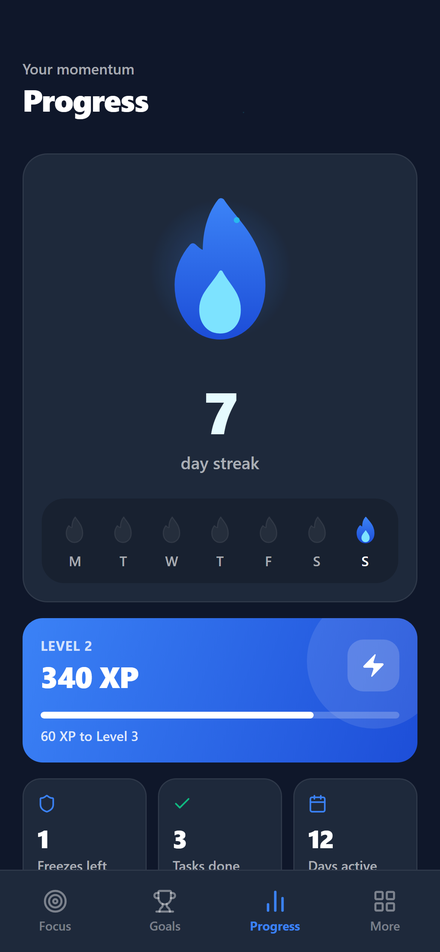
- Treats skipping as normal. A free skip each week and a streak freeze, because an app that punishes one bad day gets deleted after two.
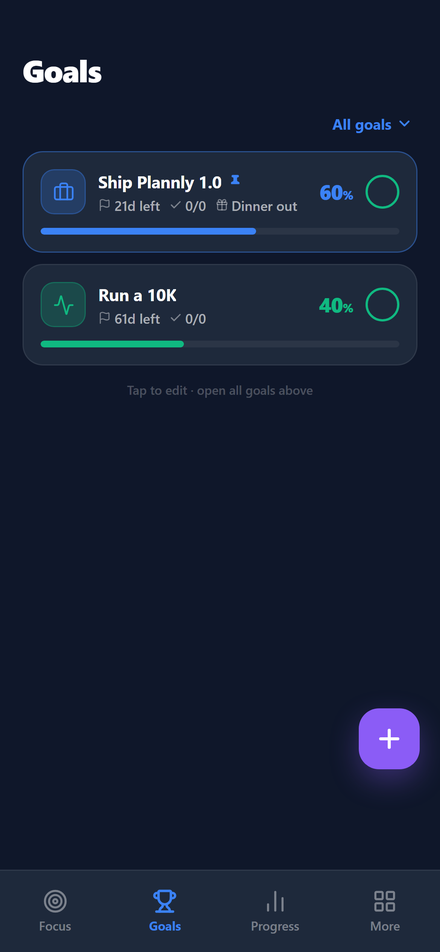
- Pays out progress. Goals, XP, levels and a streak give the long game a scoreboard.
How it's built
- One codebase, three platforms. React Native and Expo cover iOS, Android and the web build.
- Local-first. Tasks live on the device. No account, no sign-up wall, and the app works with no connection.
- The engine is plain, testable code. The ranking is arithmetic in one module, not a model, so the same input always produces the same order.
- Tested like it matters. An end-to-end suite drives the real app in a browser and fails the build on any console error.
Support & privacy
Email [email protected] with a bug, a question or a feature you want. Telling us your phone and the app version helps, and so does an in-app support code (More → Export Support Code) if something looks wrong with your data — the code is only created when you tap the button, and only reaches us if you send it.
Plannly has no account and no cloud sync: tasks, goals, streaks and settings are stored on your device and we cannot read them. Purchases are handled by the App Store or Google Play.
Want a system like this for your business?
Book a Free Discovery Call →